read-only companion TUI
Inspect an agent's changes as they happen
Run an agent in one terminal pane and stet in another. See the repo tree, diffs, problems, and latest activity, without putting stet in the agent loop.
curl -fsSL https://stet.jimmy.codes/install | bashRun stet in a Git repository. The repository tree opens beside the file viewer.
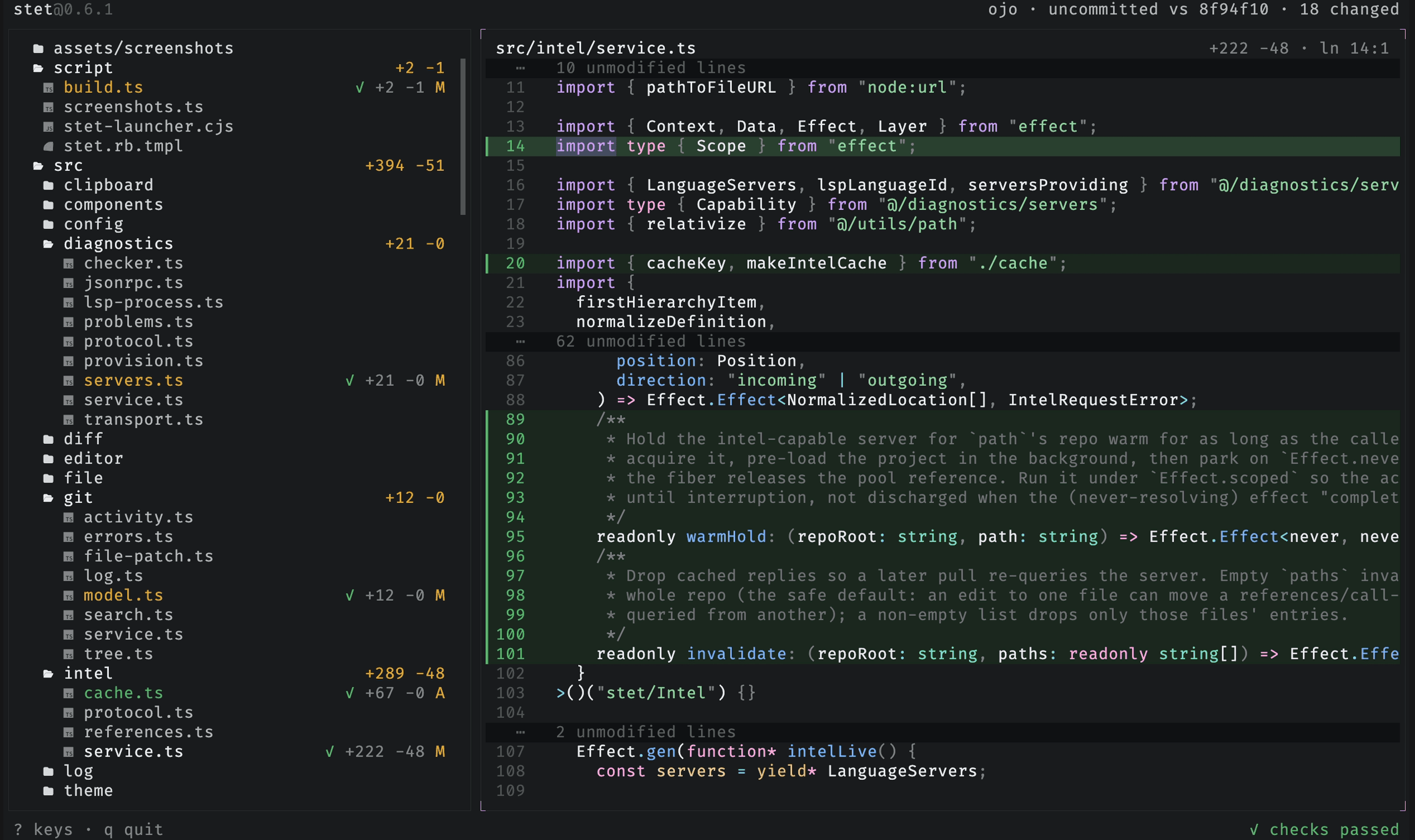
Live repo tree
The git-backed tree renders first: tracked and untracked files, with staged, unstaged, mixed, and untracked marked in place.
Read-only viewer
Open any file with syntax highlighting, or a changed file as a diff. Fold by structure, expand git gaps, toggle the full file.
Find and search
Find within the open file, or search file contents across the repo, scoped to the changes or the whole tree.
Scopes and worktrees
Compare against any ref, drill into recent commits, and switch between git worktrees in place without leaving the view.
Diagnostics
Type errors and lint findings stream into the tree, the viewer, and a problems panel as the repo's language servers finish.
Code intel
Read-only language-server pulls: go to definition, find references and implementations, call hierarchy, hover, and symbol outline.
A read-only view
stet reads repository state and displays it. You decide what to tell the agent and whether to accept its changes. stet does not send messages, modify repository files, or keep a project database.
The name comes from the proofreader's mark for "let it stand": strike a word out, add dots beneath, and it stays.