Scopes & worktrees
Choose what the diff compares, and see which worktree an agent is working in.
Switch scope
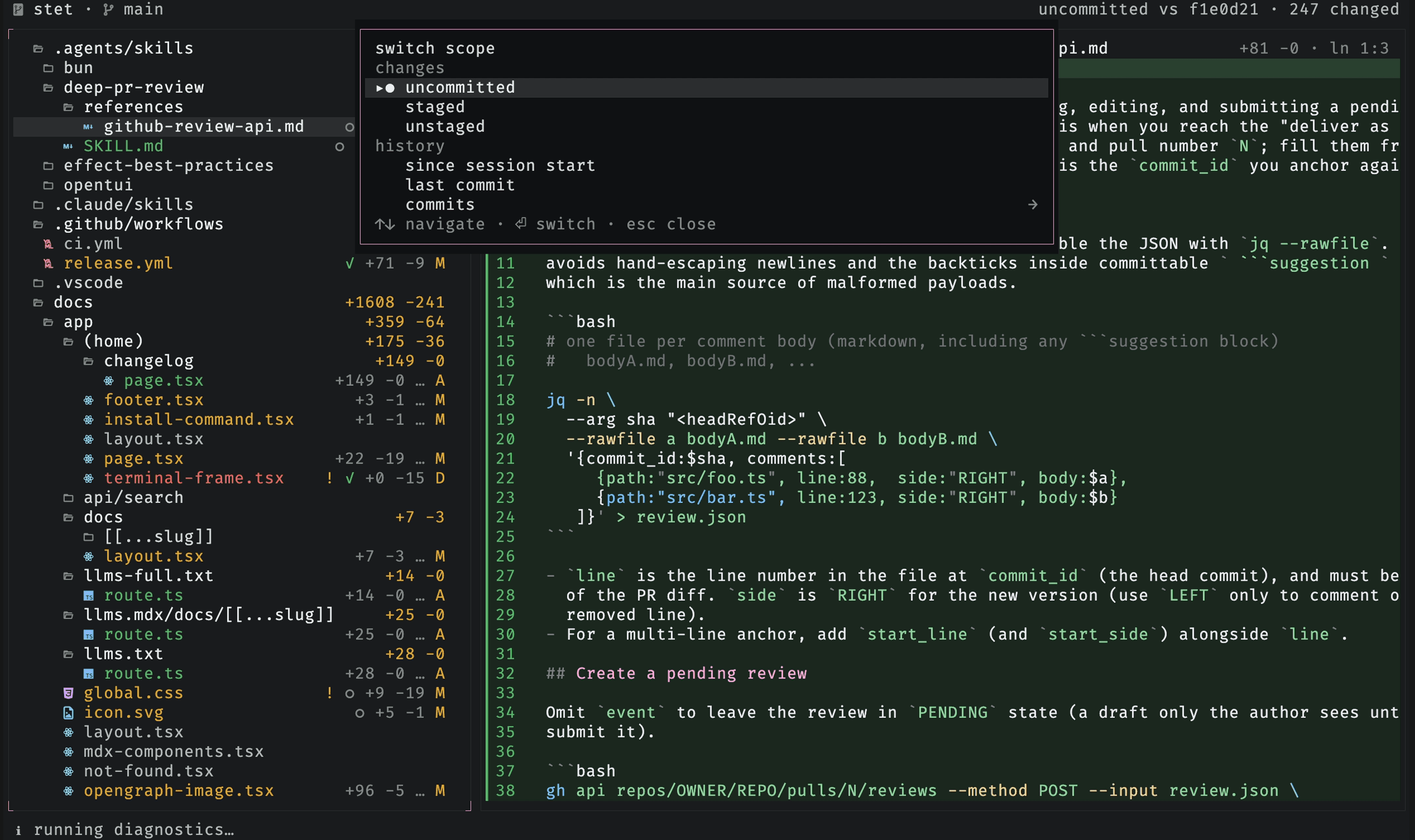
Press s to pick what the diff compares. The scopes group into changes
(uncommitted, staged, or unstaged) and history (everything since stet launched,
or just the last commit). The picker also drills into recent commits
(commits →), so you can view any of them as its own diff.
You can also start in a scope from the command line with stet --staged or
stet --unstaged. To compare against a branch, tag, or commit, pass its Git ref
as stet <ref>.
Switch worktrees
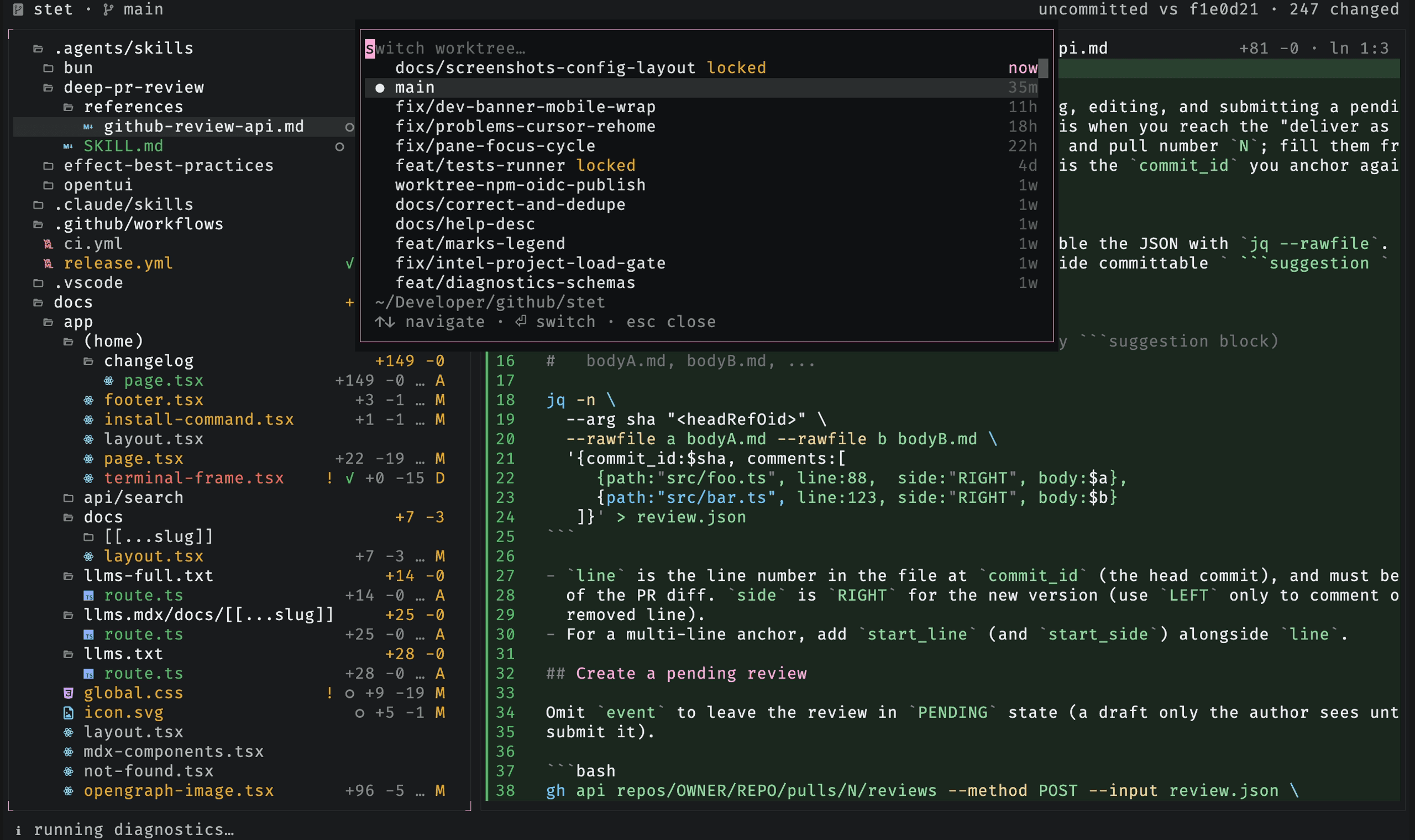
Press w to jump between git worktrees without leaving the view. The list is
ranked by how recently each worktree was touched, so the one an agent is working
in sits at the top, with its age beside it (now, 5m, 3h). Type to filter by
branch or by the worktree's own folder, ↑/↓ to move, ⏎ to switch. The
directory prefix every worktree shares is not matched, since it is the same text
in every row and would only ever match all of them at once. The tree, diffs,
polling, and checks all re-point at the chosen worktree. The full path of the
highlighted worktree reads out below the list.
Touched means anything an agent or git did there, such as an uncommitted edit, a commit, a checkout, a rebase, or creating the worktree. Committing counts, so a worktree does not drop down the list the moment an agent finishes its work there.
Each age is tinted by how recently the worktree was touched, fading toward the background over five minutes of quiet. That window is longer than the 30 seconds a changed file stays marked, because an agent can pause for minutes and still be working. The age ranks recency, not live presence: a recent age means work landed there recently, not that something is running now.