Guides
Themes
Preview and switch themes live, then make one permanent in your config.
Switch themes
Press t to open the theme switcher: filter by name and move (or hover) to
preview the whole UI live, enter to apply, esc to revert. stet ships dark
and light built-in themes, plus an all-grey mono-dark and mono-light pair
it starts on when NO_COLOR is non-empty, and follows your terminal's
appearance by default.
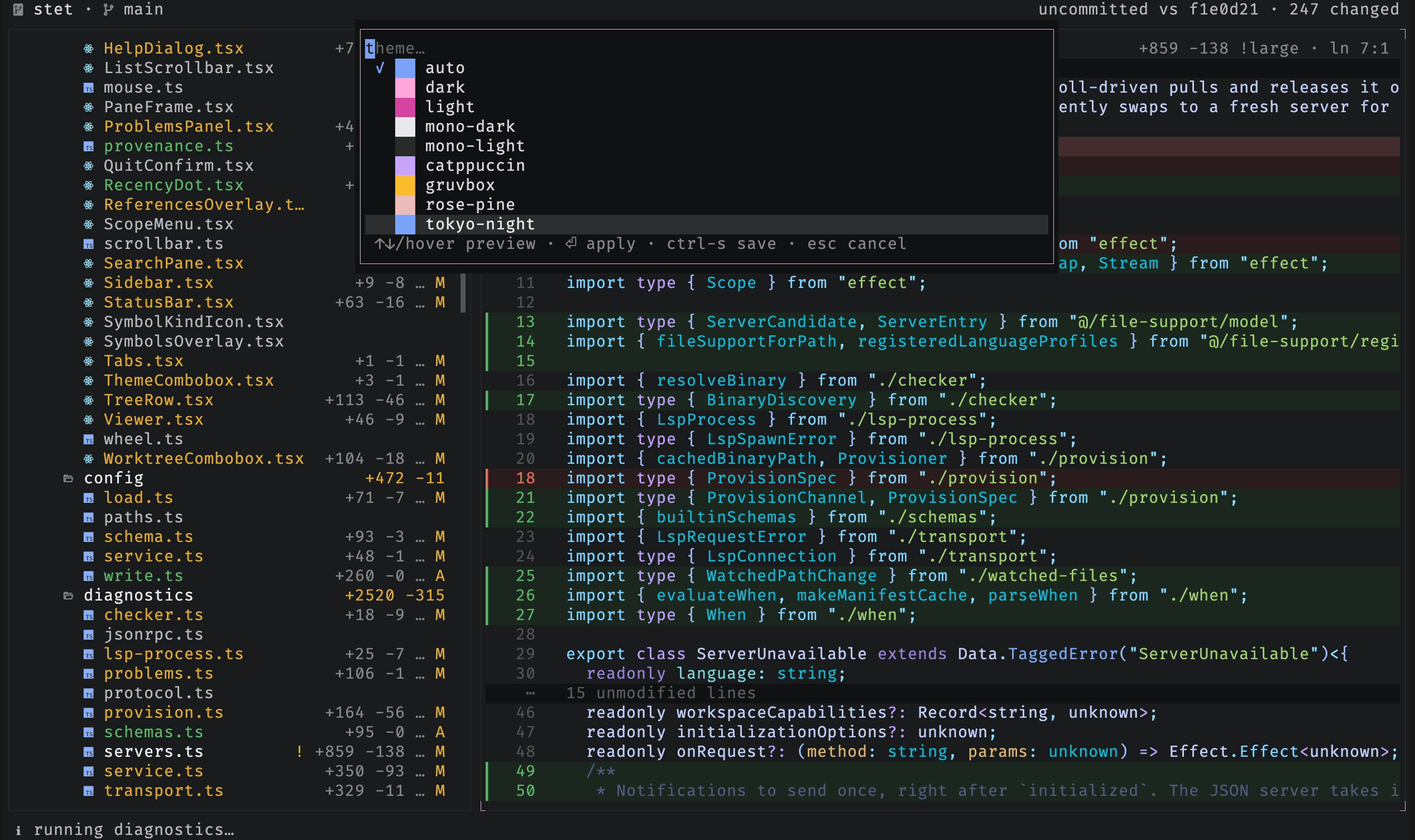
The switch lasts the session only; ctrl-s makes it permanent, writing the
highlighted theme (with any other changed settings) to your config as targeted
edits that keep your comments. To define your own theme, set it in your
configuration, where a theme can inherit
another with base and override individual tokens or its syntax
highlighting.