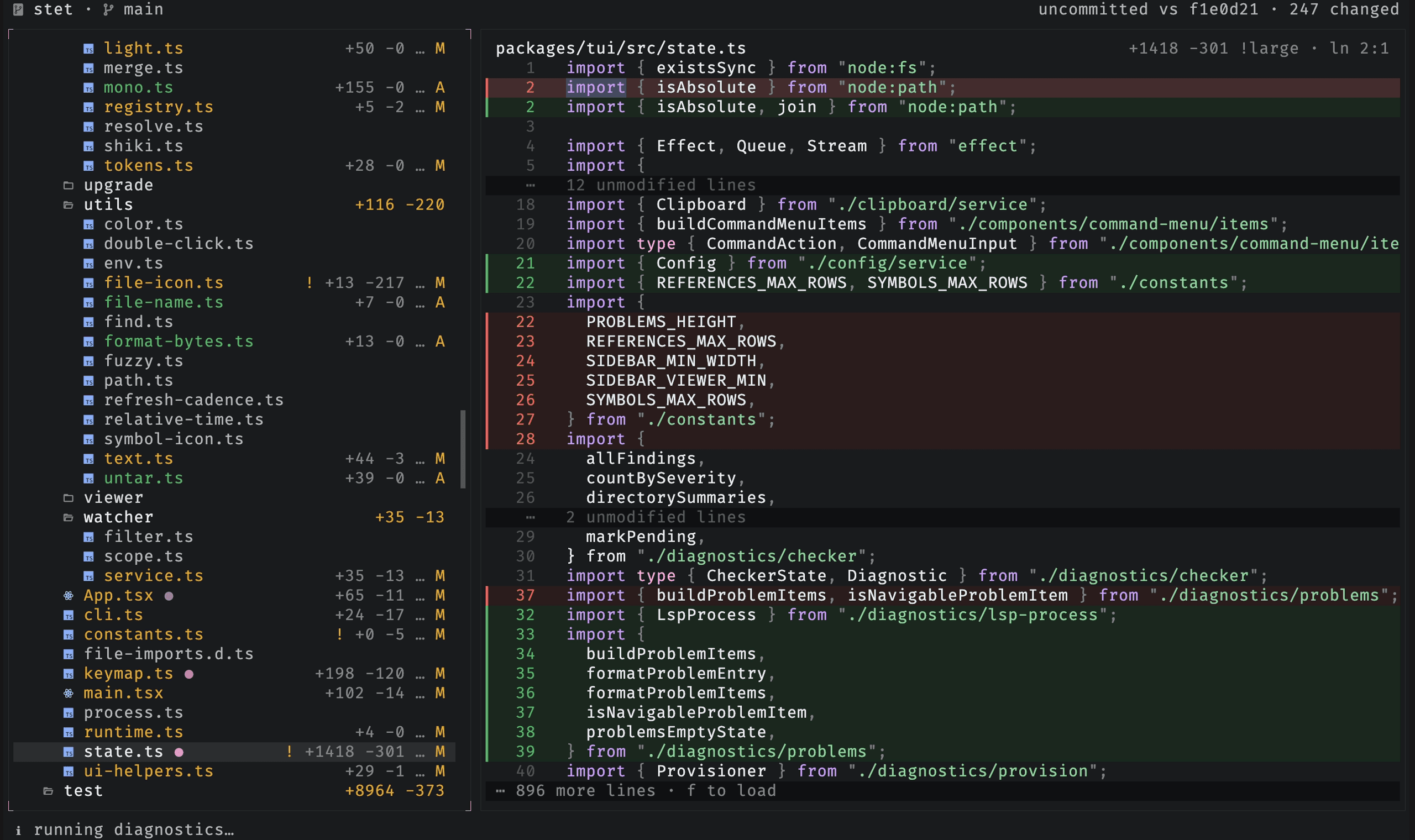
Search & navigation
Jump to any file, find within the open file, search the whole repo, and follow recent activity.
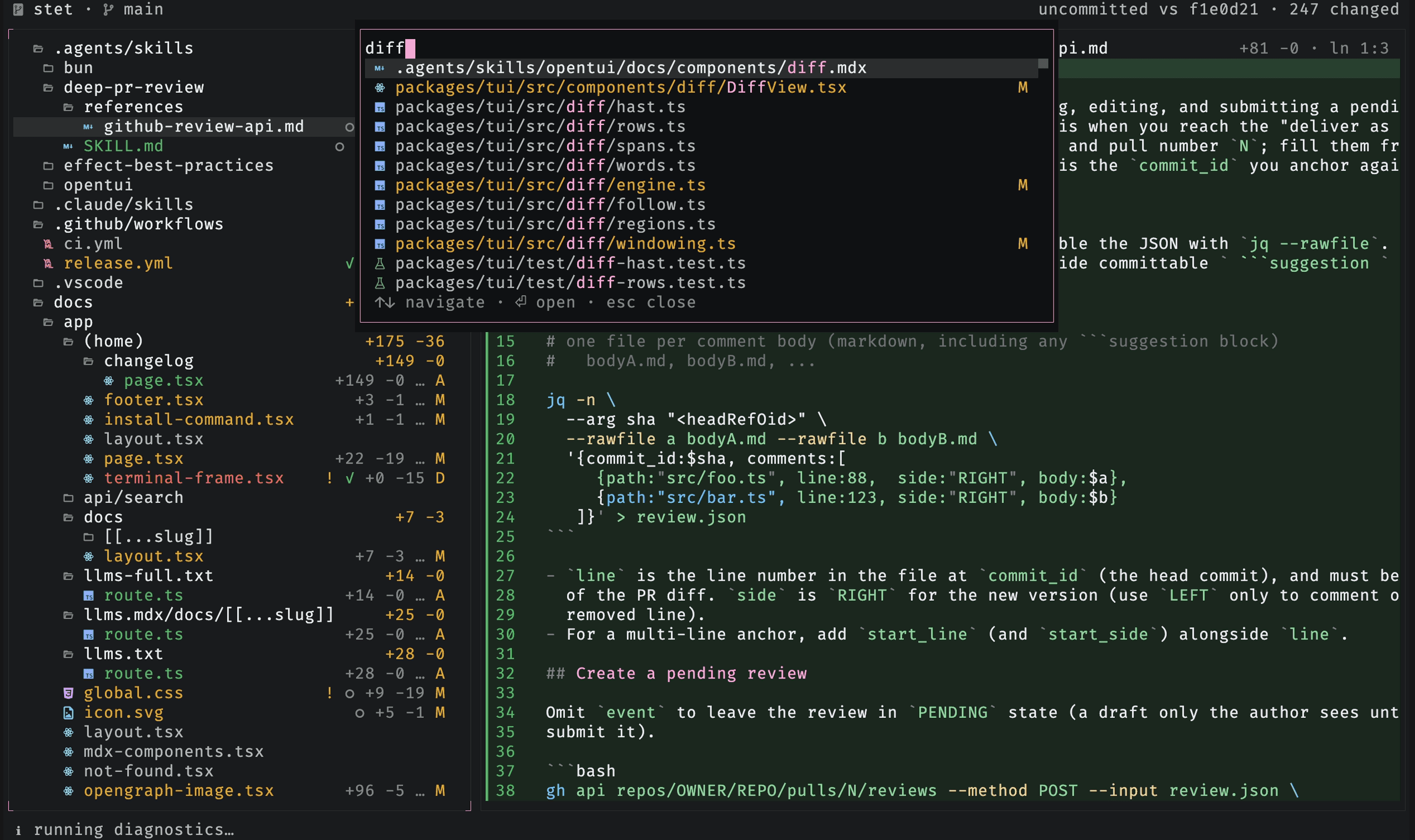
Go to file
Press ctrl-p to fuzzy-search the whole repo and open any file, tracked or
untracked.
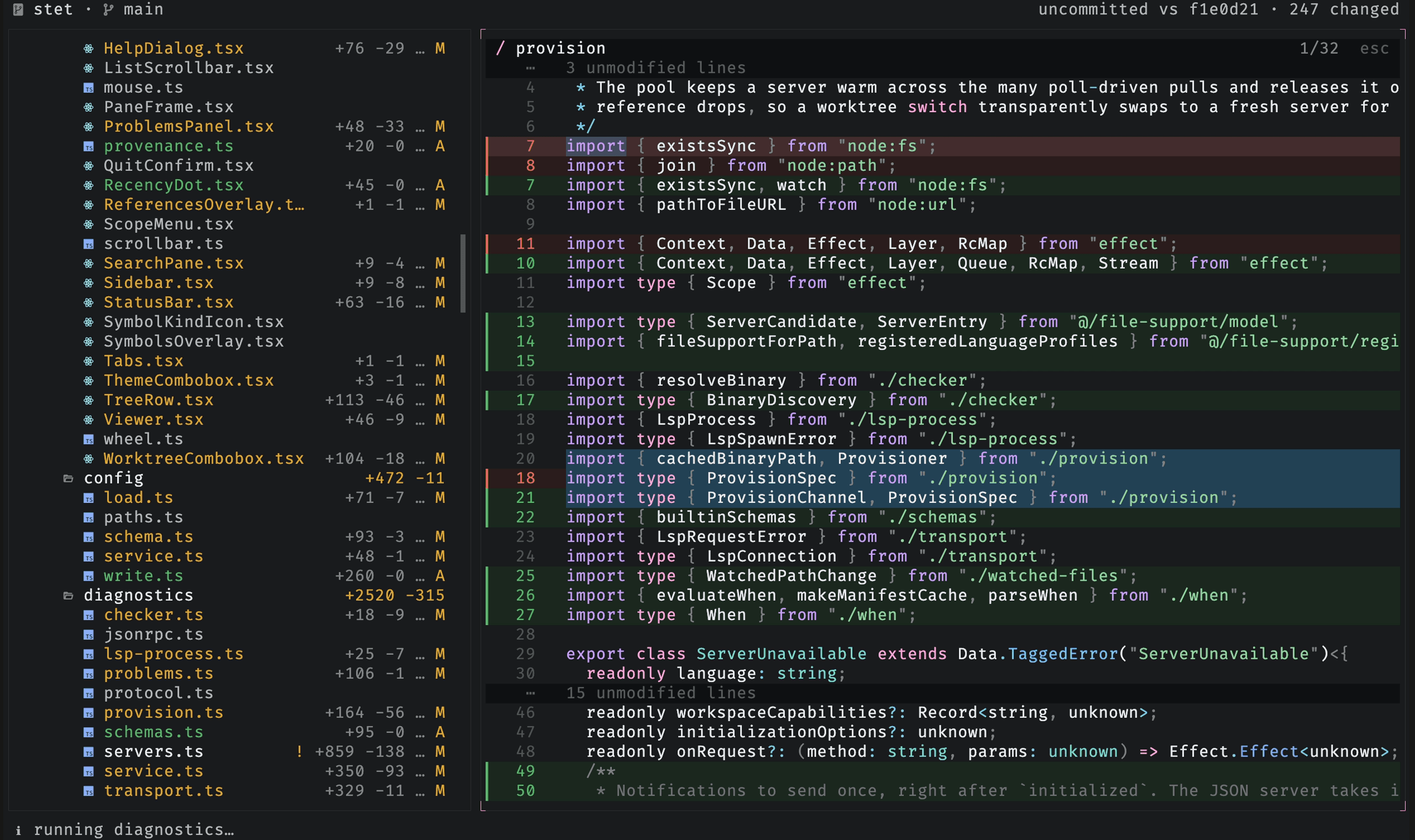
Find in the viewer
Press / to search within the open file. n and N cycle through matches, a
counter tracks your place, and esc clears the search.
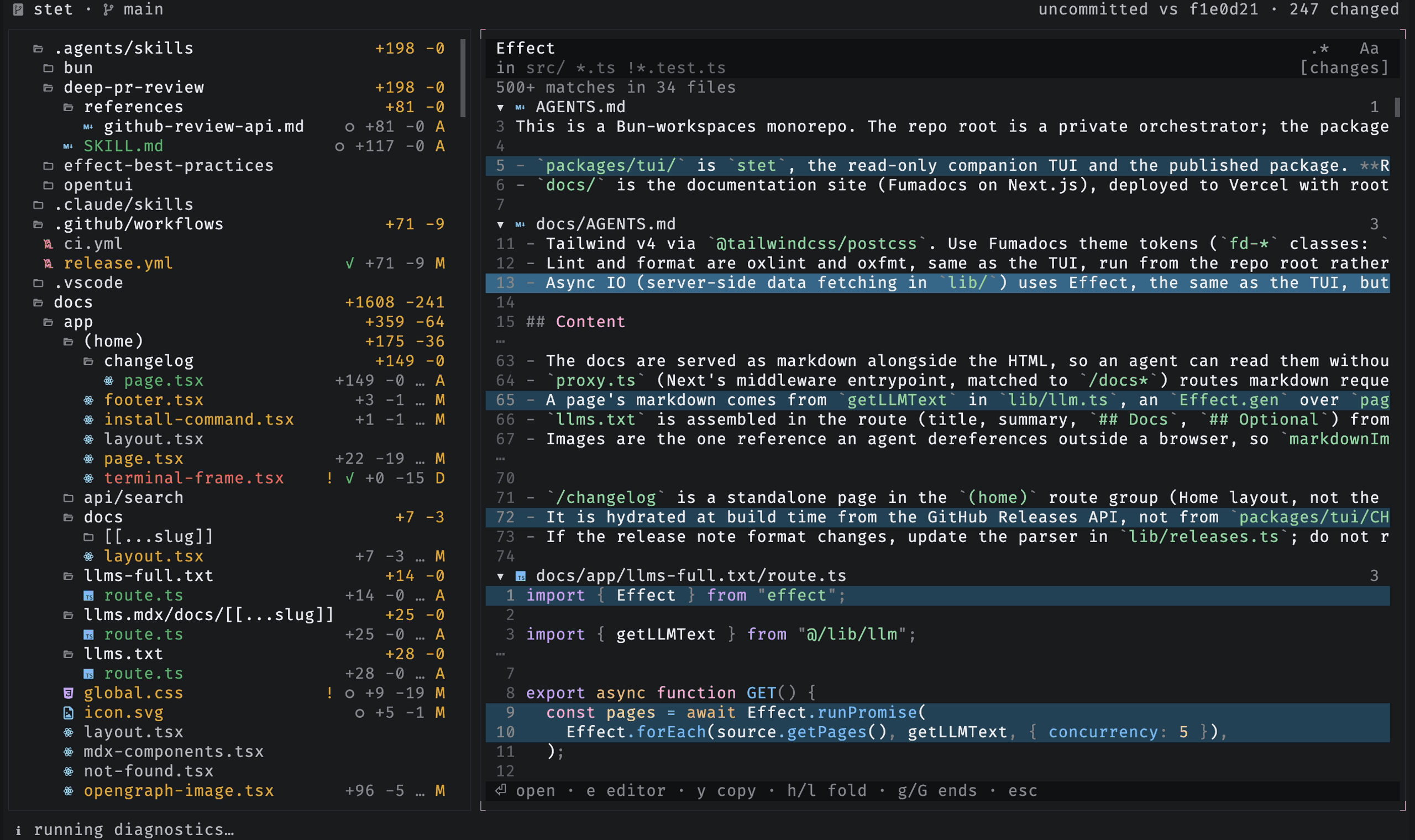
Search file contents
Press ctrl-f to open the project search pane. Results group by file with
syntax-highlighted context around each match.
| Control | Action |
|---|---|
ctrl-r | toggle regular-expression matching |
ctrl-x | toggle case sensitivity |
| filter field | include or exclude globs, such as src/ !*.test.ts |
ctrl-g | search changed files or the whole tree |
ctrl-o | choose a diff scope without leaving the pane |
Open a match to jump to its file. stet keeps the query and results, so
ctrl-f restores the same search.
Follow recent activity
stet marks recently changed files as the agent works. Press . to jump to the
most recently changed file, and n to jump to the next file that has findings.
The mark beside a file fades as the change ages, so the brightest one is the newest.